









Digital Citizenship.  Finally fun.
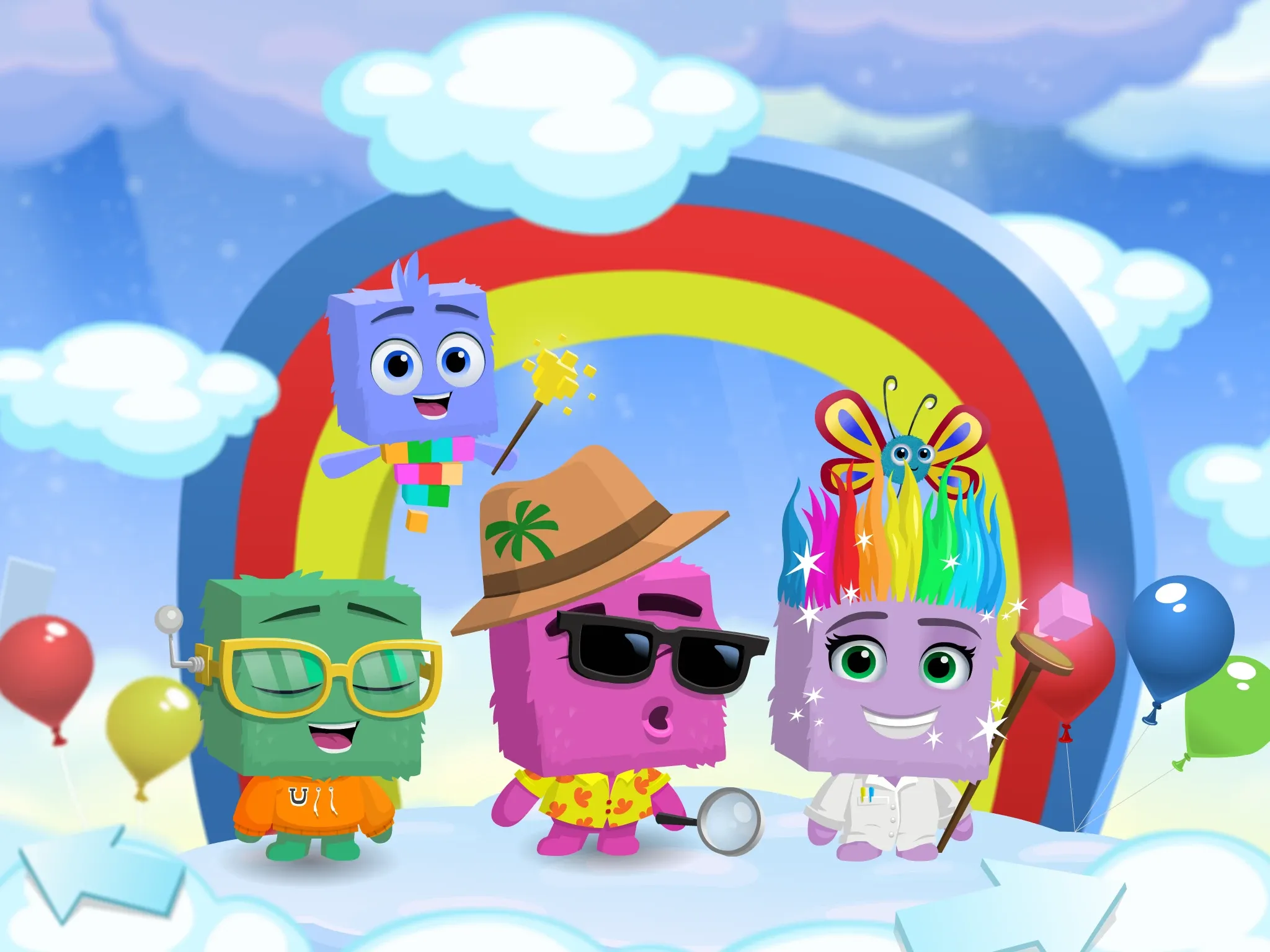
Kodable’s digital citizenship lessons take your students into a world they’ll actually enjoy. They’ll jump into each story and practice internet safety, healthy screen habits, and responsible AI use right alongside the Fuzzes and the Floofs.


Flip the switch on digital citizenship
Rules on a slide are easy to read and easy to forget. Flip the switch on Digital Citizenship instruction with Kodable, and the same lesson becomes a story your students enjoy with the Fuzzes and the Floofs.
They still learn to keep private information safe. They still learn how to be kind online. They’ll just actually want to.
 Way
Digital habits that last a lifetime
Our digital world is constantly expanding. The habits your students build now, from online safety to screen time to AI safety, prepare them for whatever comes next.
 Be Kind
- Words have power, even on a screen.
 Be Safe
- Think before you share.
 Be Healthy
- Power down so your body can recharge.



Explore our world of Digital Citizenship
Here’s a few of our favorite stories, from mindful sharing to AI safety, and so much more!
- Be KindWords have power, even on a screen.
- Be SafeThink before you share.
- Be KindThere’s a friend behind the screen!
- Be SafeWhen you are unsure, ask before you share.
- Be HealthyPower down so your body can recharge.
- Be HealthyI choose when I’m done.
Fun for the whole class
Your students stay off their own screens and in the conversation. Pick one and try it the way your class would!
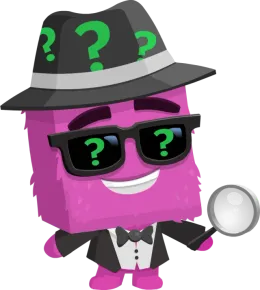
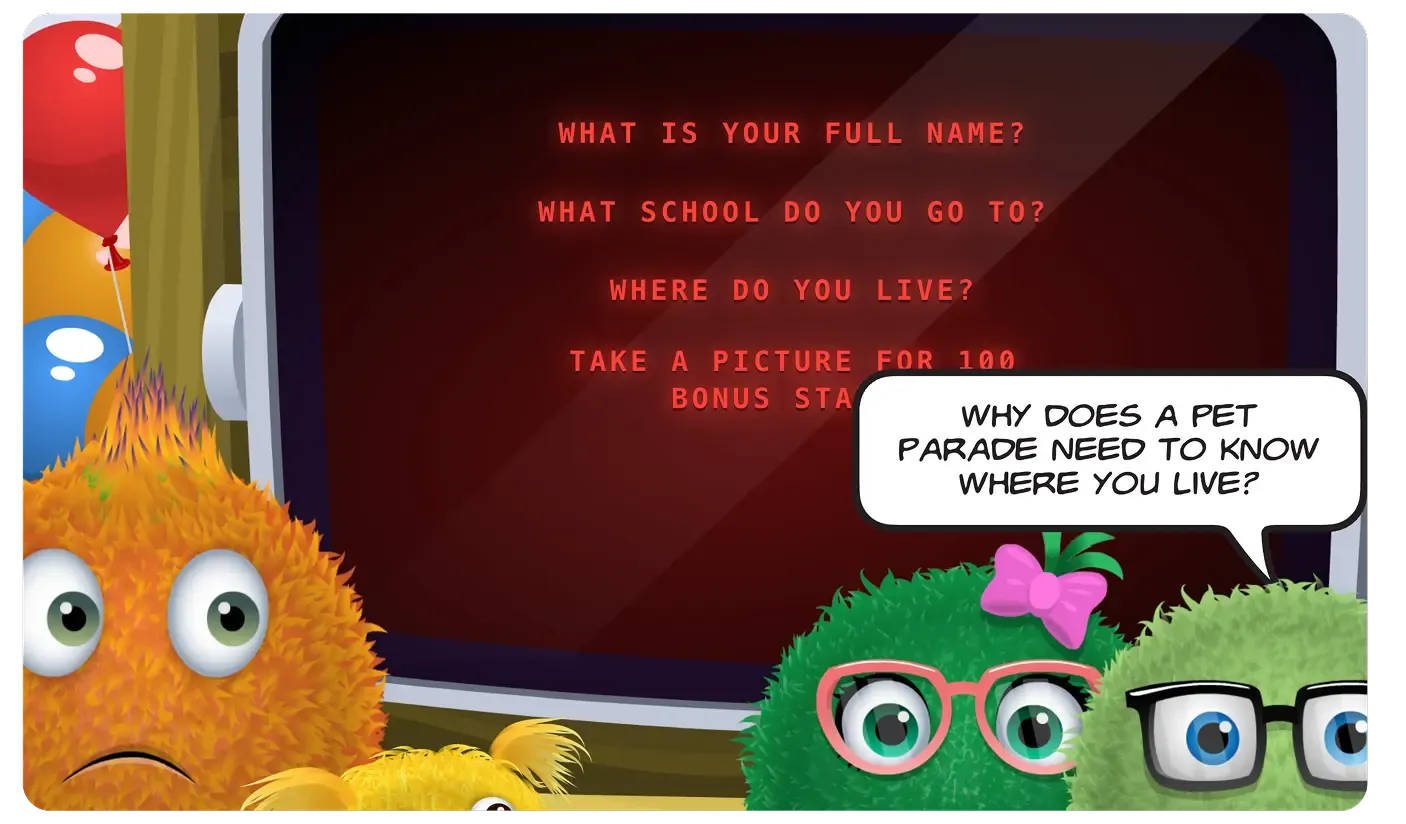
Does the Pet Parade need to know?
Thumbs up if the parade needs it. Thumbs down if it should stay private. Then tap to see.

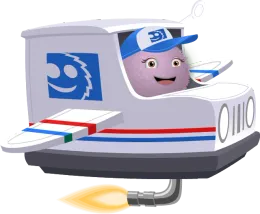
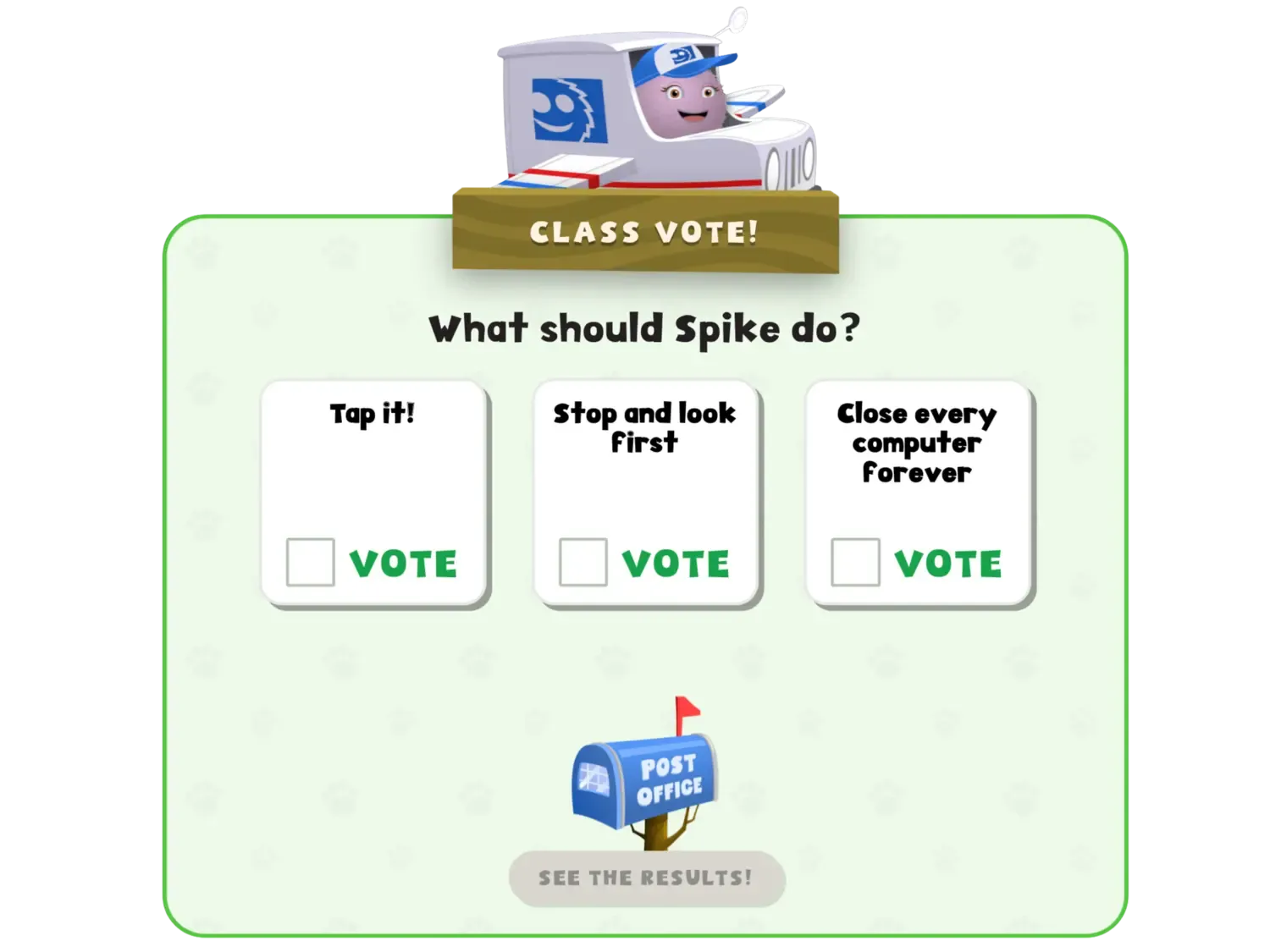
What should Spike do?

Class discussion
What information do you think they would need to know?
Think about your answer. Raise your hand to share!




How each digital citizenship lesson works
Every story follows the same simple flow, so your students know what to expect and can jump right into the conversation.
A narrated, animated comic follows the Fuzzes and the Floofs as they run into a tricky digital situation.
 Spike and the Pet Parade Pop-Up


When a character faces a tough choice, the story pauses on a board your class works through together.
Your students vote on what the character should do, and the story explains the thinking behind each choice.
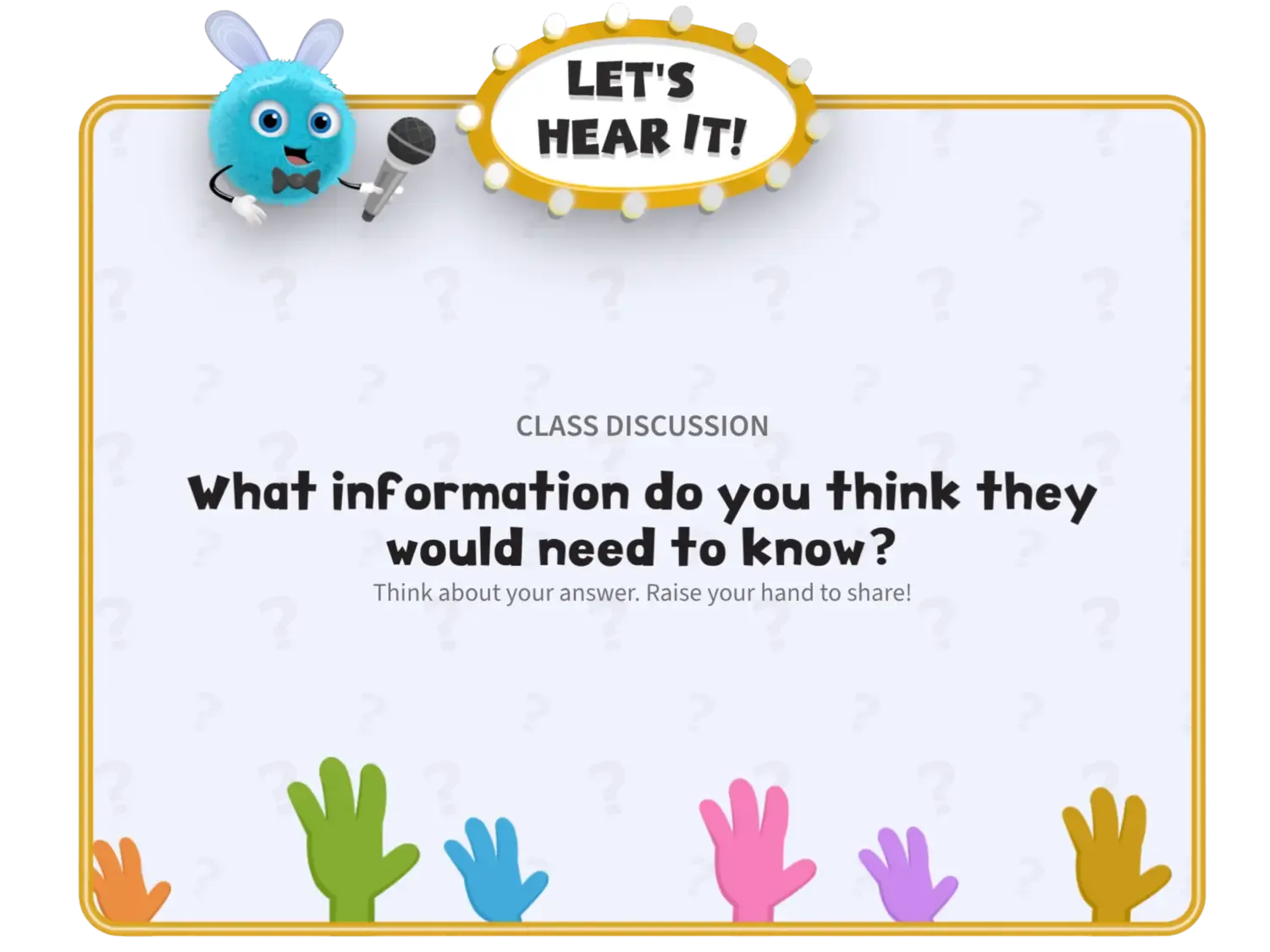
“Let’s Hear It” prompts invite your students to share their own thoughts and experiences with the class.
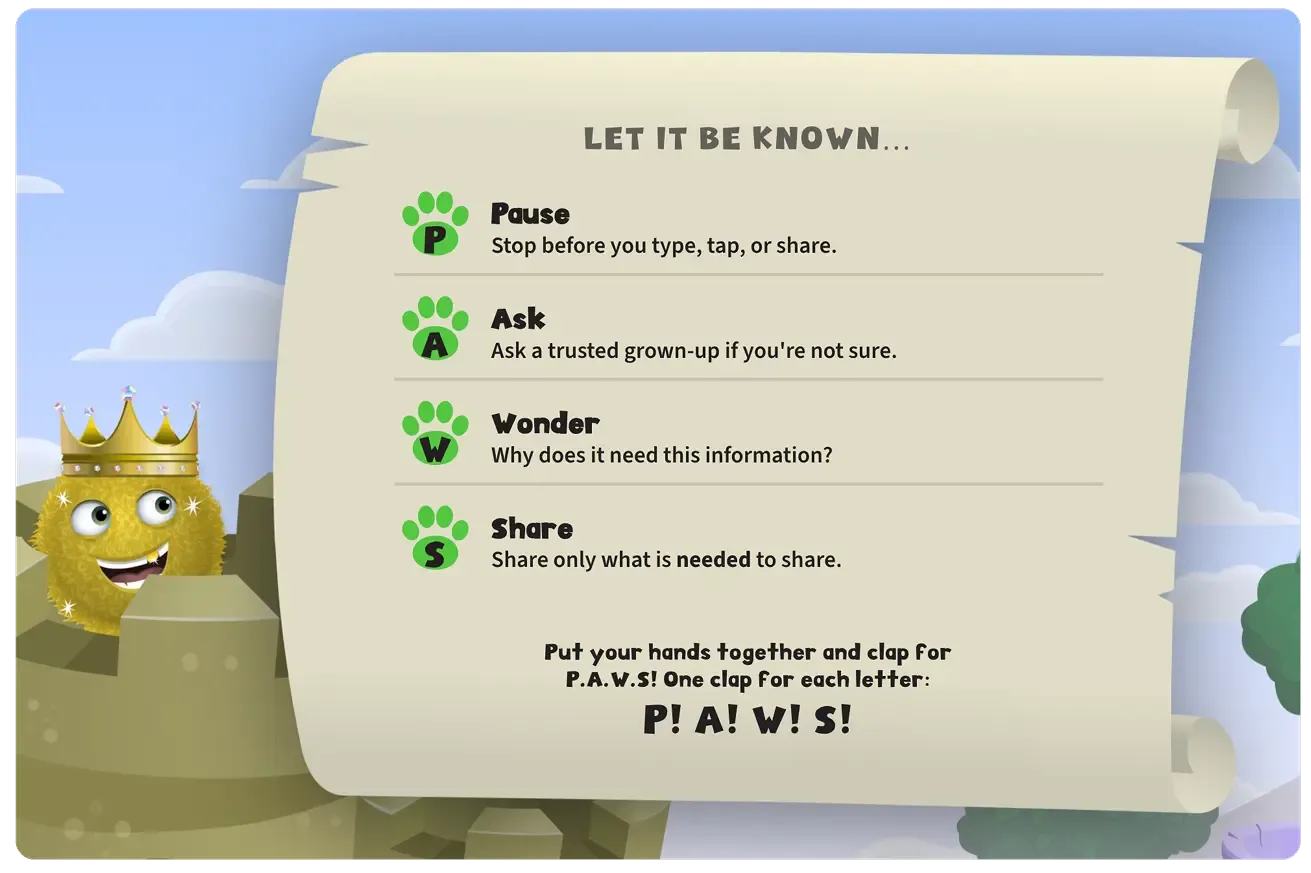
Every story ends with a short, catchy routine that helps your students remember what they learned.
Finish with a printable worksheet or a few discussion questions. If you’d like the worksheet, print it before you start the story.
The endWhat next?Reflection questionsTalk it overStudent activityA printable worksheet
Three clicks and you’re teaching
Digital Citizenship is built right into your Kodable account, so there’s nothing to set up and nothing to assign.
1Log in to Kodable.
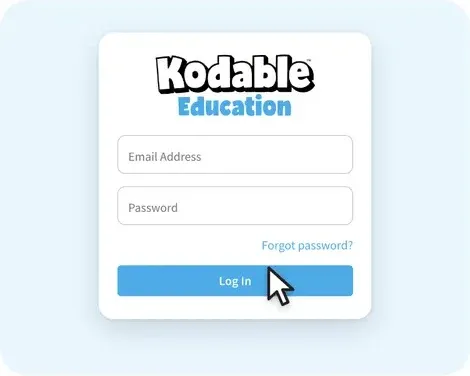
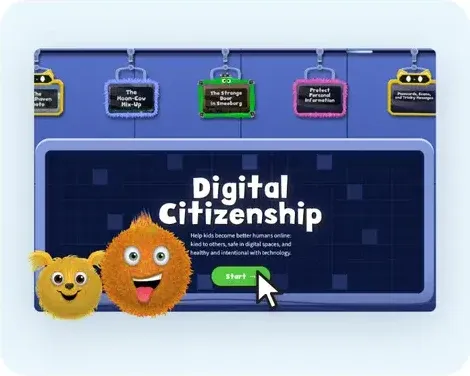
2Click Digital Citizenship.
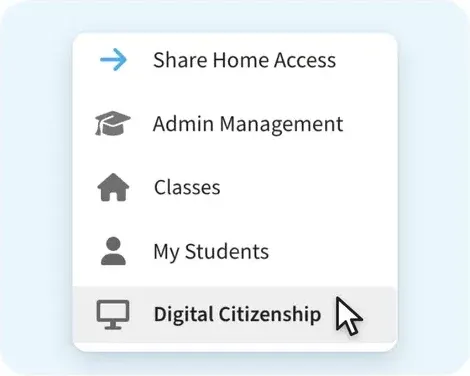
3Press Start and pick a story!
- Nothing to set up
- Nothing to assign
- No student devices
Which plans include Digital Citizenship?
Every Kodable plan
One full story is free, lesson plan included.
Try It NowPremium+ and All Access
Every story in all three pathways is included, and it’s already on your dashboard.
Free and Premium
Upgrade to Premium+ to get every story for your class or school.
Get a QuoteSee how to fund Kodable at your school
Common questions
CatBot is answering
Tap a question and I’ll answer it.
What grades is it for?
The program is designed for grades K–5. Stories for grades K–2 are ready for your class now, and grades 3–5 are coming soon!
What do the stories cover?
Being kind online, keeping private information safe, asking before you share, questioning what you see online, AI safety, and healthy screen time habits like sleep and taking breaks.
Do the stories cover cyberbullying?
In K–2, your students practice what comes first: there’s a real person behind the screen, teasing can hurt, and pausing before you send helps. Stories for grades 3–5 go in depth, covering drama, conflict, and cyberbullying.
Do my students need their own devices?
Nope! You project each story from the front of the room, and your whole class plays it together.
Do I need to prep anything?
No prep needed! The talking points are built right into the story, so you can open Digital Citizenship from your dashboard and click Next. If you’d like the printable worksheet, just print it before you begin.
How long does a story take?
Most stories take 15 to 25 minutes. A lively class discussion or the reflection at the end may add a little more time.
Is the Digital Citizenship program free?
One story is free on every Kodable plan. The full program is included with Premium+ and All Access, along with Kodable’s coding, typing, and STEM.

Ready to bring online safety to your students?
Start with a free story on any plan, and your class will be chanting “P.A.W.S. before you share!” by the end of the day. Zero yawns. Maximum Fuzz!